Construction photo documentation by room
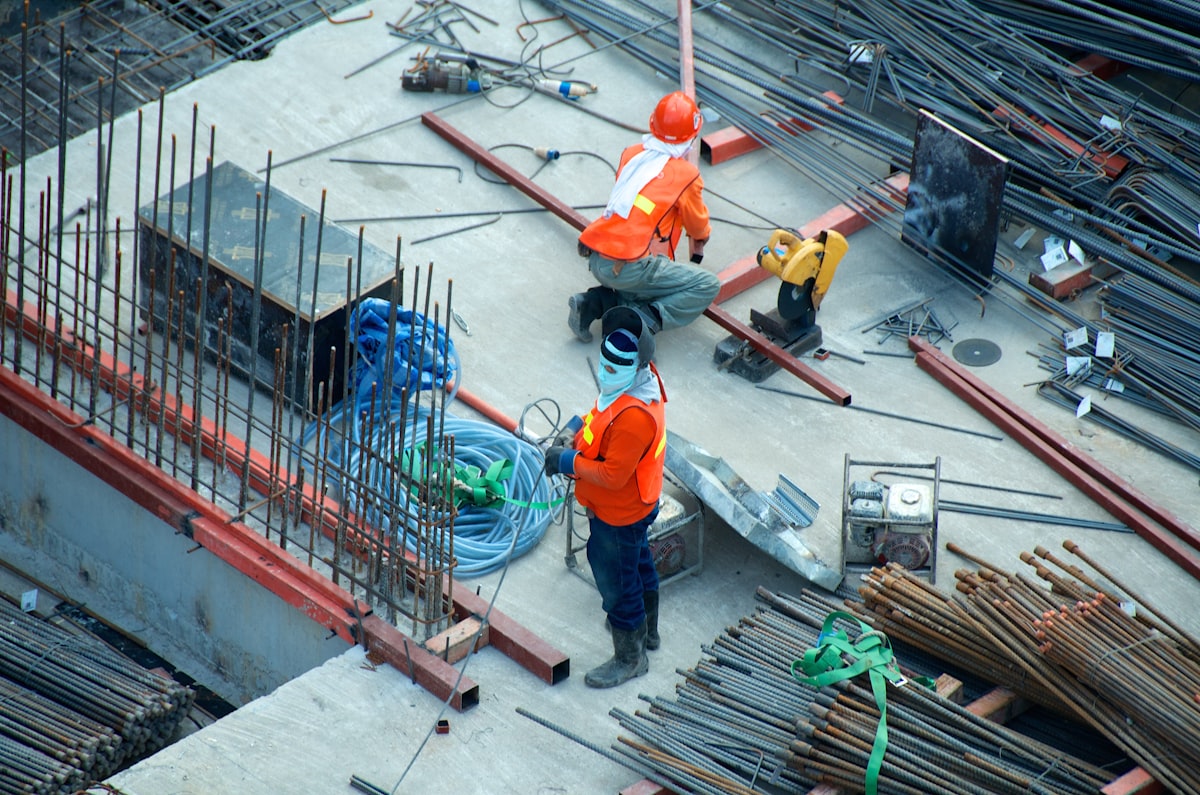
Construction photo documentation is a field record of what happened at a specific place on the jobsite—progress photos, punch photos, rough-in, structural, and inspection photos organized by room, elevation, and location rather than by week or camera roll. FotoLedger pins those photos to the drawing so the construction photo report stays walkable.
Jobsite photo documentation fails when progress and punch photos live in a folder named after the week. FotoLedger is construction photo documentation software that maps field photos to the floor plan, then exports a construction photo report with the spatial trail intact. Treat it as a construction photo log / jobsite photo log on the drawing—not a folder named after the week.
What this page is for
Field documentation on a jobsite: conditions, progress, punch, concealed work, rough-in, structural, inspection, and issue photos with floor-plan location context. Organized records for supers, clients, and inspectors—jobsite photos by location, not by week.
If you need RFIs, submittals, budgets, and scheduling, use a construction management platform. If you need to document exactly what happened at a specific place, FotoLedger is built for that workflow. It is documentation software, not a complete construction management platform. Pair reconstruction timing with PHASE if you need CPM.
How FotoLedger helps on the job
- Import the floor plan or elevation for the area you are walking.
- Place waypoints on rooms, zones, and elevations.
- Attach progress photos, punch photos, rough-in photos, optional 360 stills, PDFs, and field notes at each pin.
- Export a PDF construction photo report stakeholders can follow room by room. Cloud can export one visit or all dates historical.
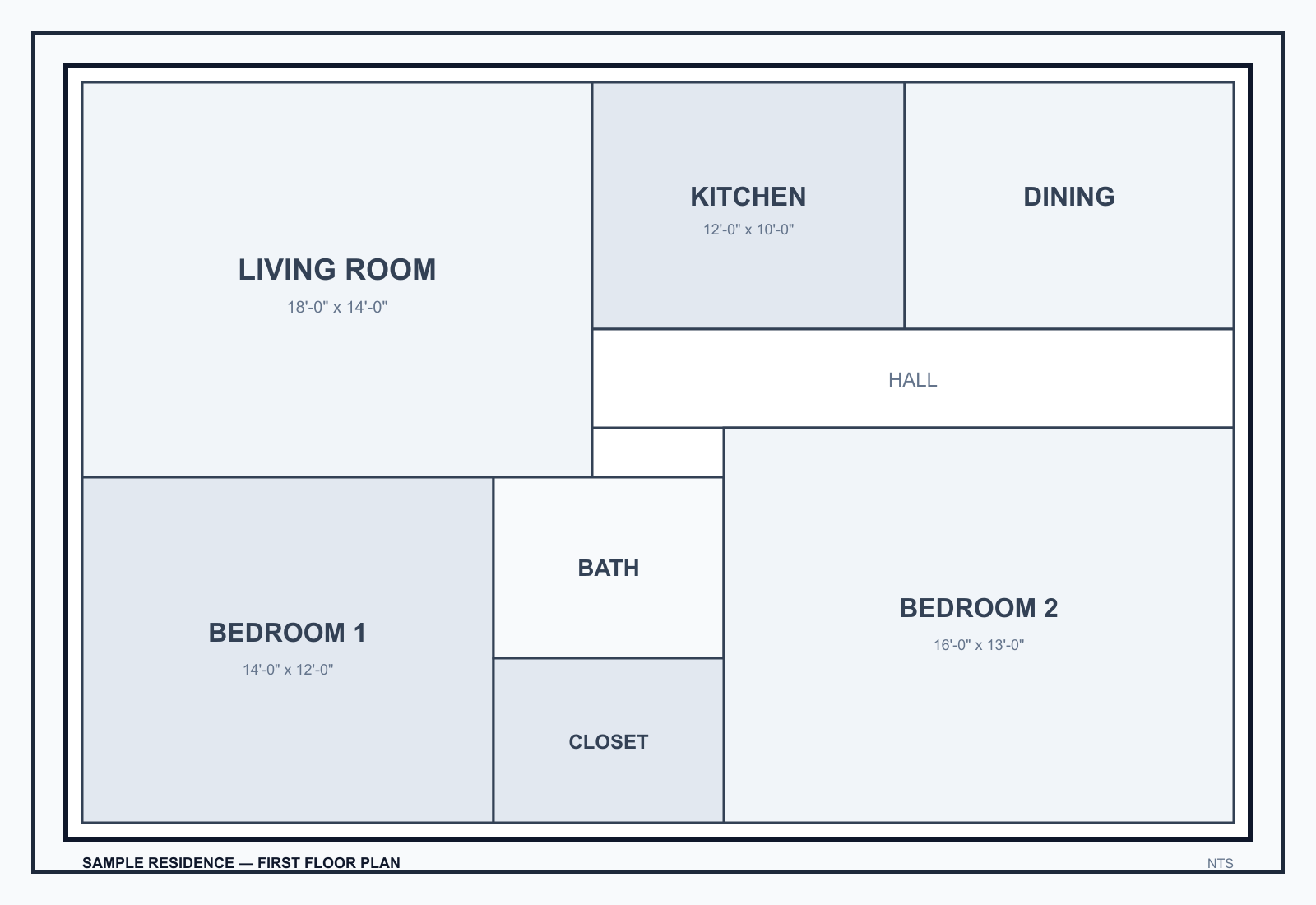
Same waypoints on later visits: add new photos; Cloud filters by capture date and can export a historical PDF grouped by date. Optional 360 photo documentation at a room or corridor pin is a still you look around in the browser, not a jobsite tour.
Frequently asked questions
What is construction photo documentation?
A field record of what happened at a specific place on the jobsite. Progress, punch, rough-in, structural, and inspection photos belong on rooms and elevations, not in a folder named after the week.
Is FotoLedger construction photo documentation software or a project management platform?
Documentation only. No RFIs, submittals, or scheduling. Photos, PDFs, and notes anchored to the plan, exported as a client-ready PDF.
Can I use this for jobsite photo documentation?
Yes. Jobsite photo documentation is this page’s intent: pin field photos to the drawing so crews stop guessing rooms.
Can I track punch lists by room?
Yes. Waypoints on rooms and elevations; punch photos and notes at each one. The report keeps location context.
Is FotoLedger free for construction documentation?
Yes. Local mode is free with no account. Cloud sync includes 250 MB free; FotoLedger Cloud is $5/mo for 5 GB (local stays free).