How to pin photos to a floor plan
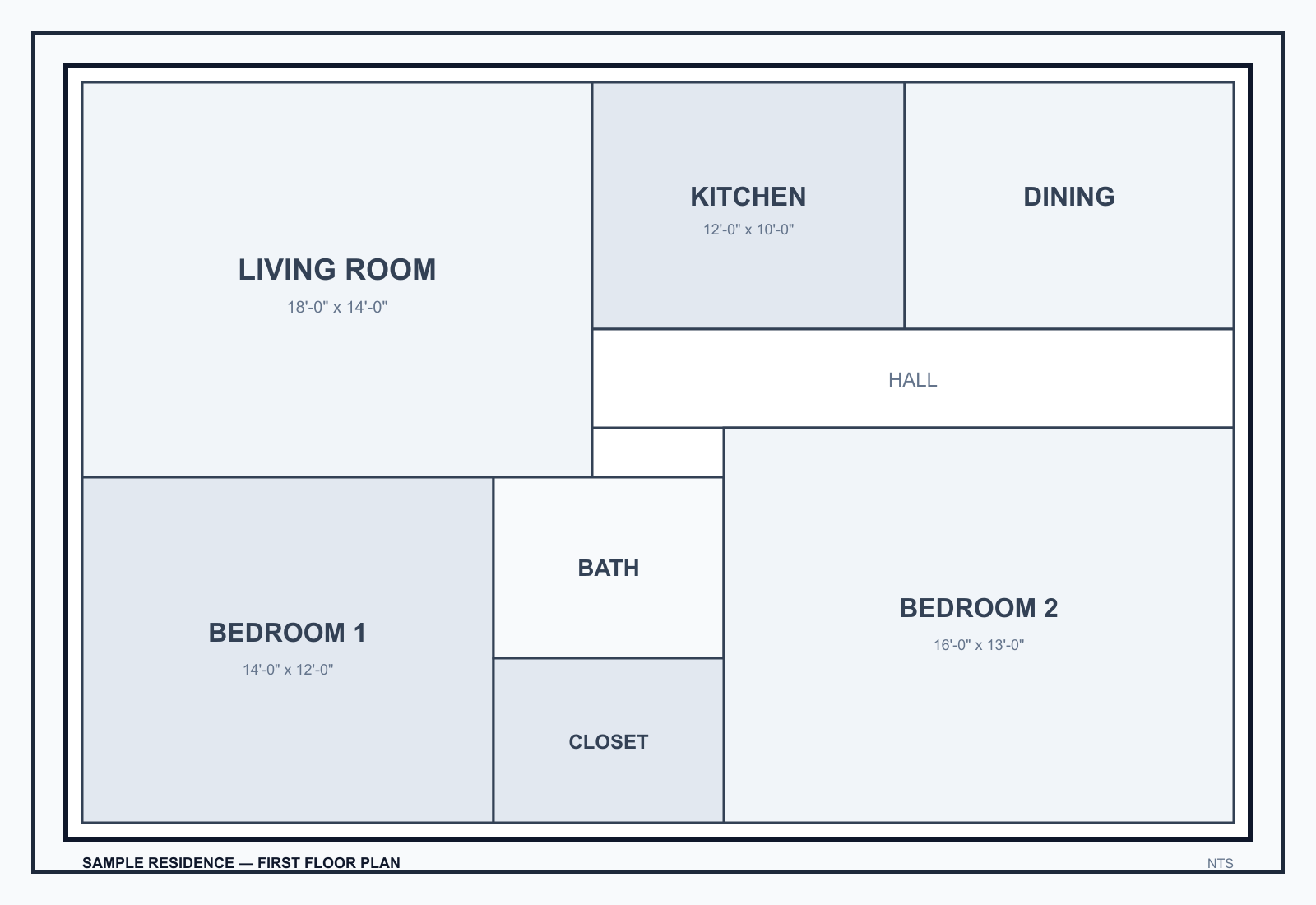
Pin photos to a floor plan by standing in a room, placing a waypoint there, and attaching the stills you just shot—overviews, close-ups, optional 360 JPEG, and a short note. The pin is the folder. Do not upload the camera roll later and guess.
This is the field method for floor plan photo documentation. The homepage demo uses a synthetic walk (Oak Ridge Residence).
How to actually shoot the room
- Load the drawing. Floor plan, roof plan, site map, or a sketch/takeoff if that is all you have. FotoLedger needs a spatial index more than it needs a pretty CAD file.
- Drop the waypoint where you are standing. One pin per room, roof section, or damaged area. Two conditions on the same wall get two nearby pins, not one overloaded pin.
- Cross-corner overviews, then close-ups. First frames should tell a reviewer which room this is. Then move in on the item: stain, opening, equipment, punch. A 360 still does not replace those close-ups.
- Upload at the pin before you leave the room. Capture or add files at that waypoint so each image inherits the location. If you have a 360 camera, export an equirectangular JPEG from the camera’s native app, AirDrop it to the iPad, and upload it here. Details: 360 photo documentation.
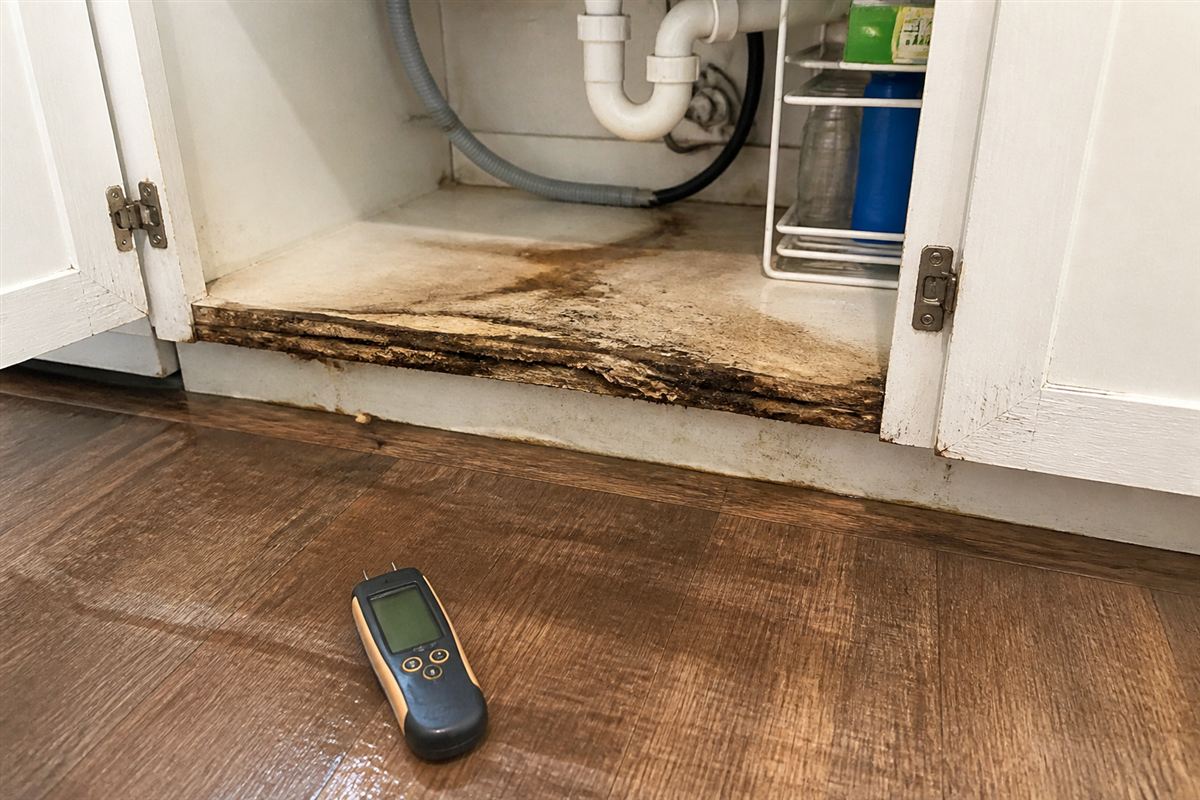
- Notes at the same pin. GoodNotes (or similar) exports a page to PDF or JPG. AirDrop it and attach it. Moisture logs and punch lists belong with the photos they describe.
Turn auto-save on for any walk larger than a few rooms. If a 360 JPEG stalls on a weak connection, wait. Files over 40 MB need a smaller export. Native in-app 360 capture is not available yet.
Common mistakes
- Uploading the camera roll at the truck and trying to remember rooms.
- One pin for the whole floor.
- Captions that name the room but never touch the drawing.
- Roof or site photos parked on a first-floor plan.
- A 360 of the corridor used as the only documentation for five rooms.
Edge cases
Multi-story jobs need one drawing per floor. Exterior elevations can be a second plan. Return visits: same pins, new photos (Cloud can filter and export by capture date).
Frequently asked questions
Do I need GPS?
No. The pin on the drawing is the location. GPS does not tell you which wall.
Can I add a photo after I leave the site?
Yes. Open the waypoint that matches where it was taken. Do not drop it in a general album.
Where do 360 photos go?
On the same waypoint as the stills for that room. Look around in the browser; the PDF shows a labeled still.
Next: how to create a floor plan photo report. Full walk: field photo documentation checklist.