360 photos pinned to the plan
FotoLedger is 360 stills plus location, not a virtual-tour platform. On FotoLedger Cloud, upload spherical equirectangular JPEGs, pin them to rooms on a floor plan, look around in the browser, and include a labeled still in the photo report. The sphere stays tied to the waypoint where you stood.
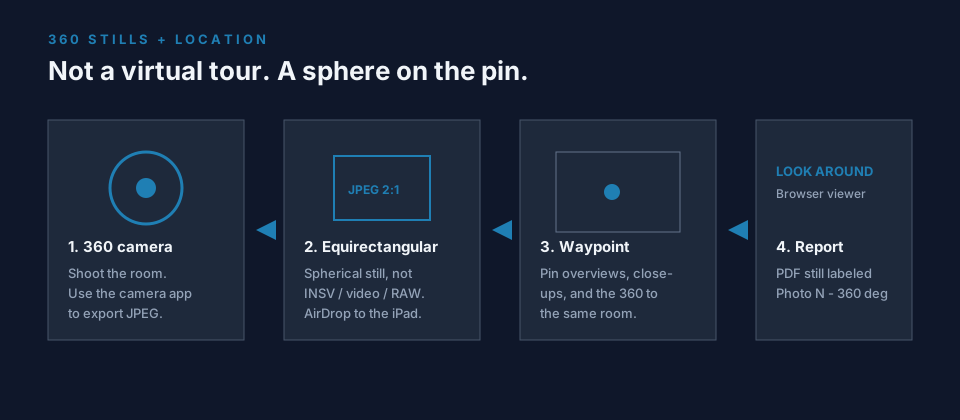
What you can do now
- Upload 360 photos (spherical / equirectangular JPEG or PNG) from desktop or a phone browser.
- Auto-detect from GPano metadata or a roughly 2:1 panoramic still; toggle 360° / Standard if needed.
- Pin 360 stills to the same waypoints as overview shots, close-ups, notes, and PDFs.
- Look around in an interactive viewer in the workspace, at the waypoint, and on shared project links.
- Include 360 photos in PDF reports as a flat preview labeled Photo N · 360°.
What this is not
If you need a Matterport-style virtual walkthrough, dollhouse, or linked room-to-room tour, that is a different product. FotoLedger is floor plan photo documentation with optional panoramic stills at each pin. It does not stitch photos into a sphere, play 360 video, or open native Insta360 INSV files.
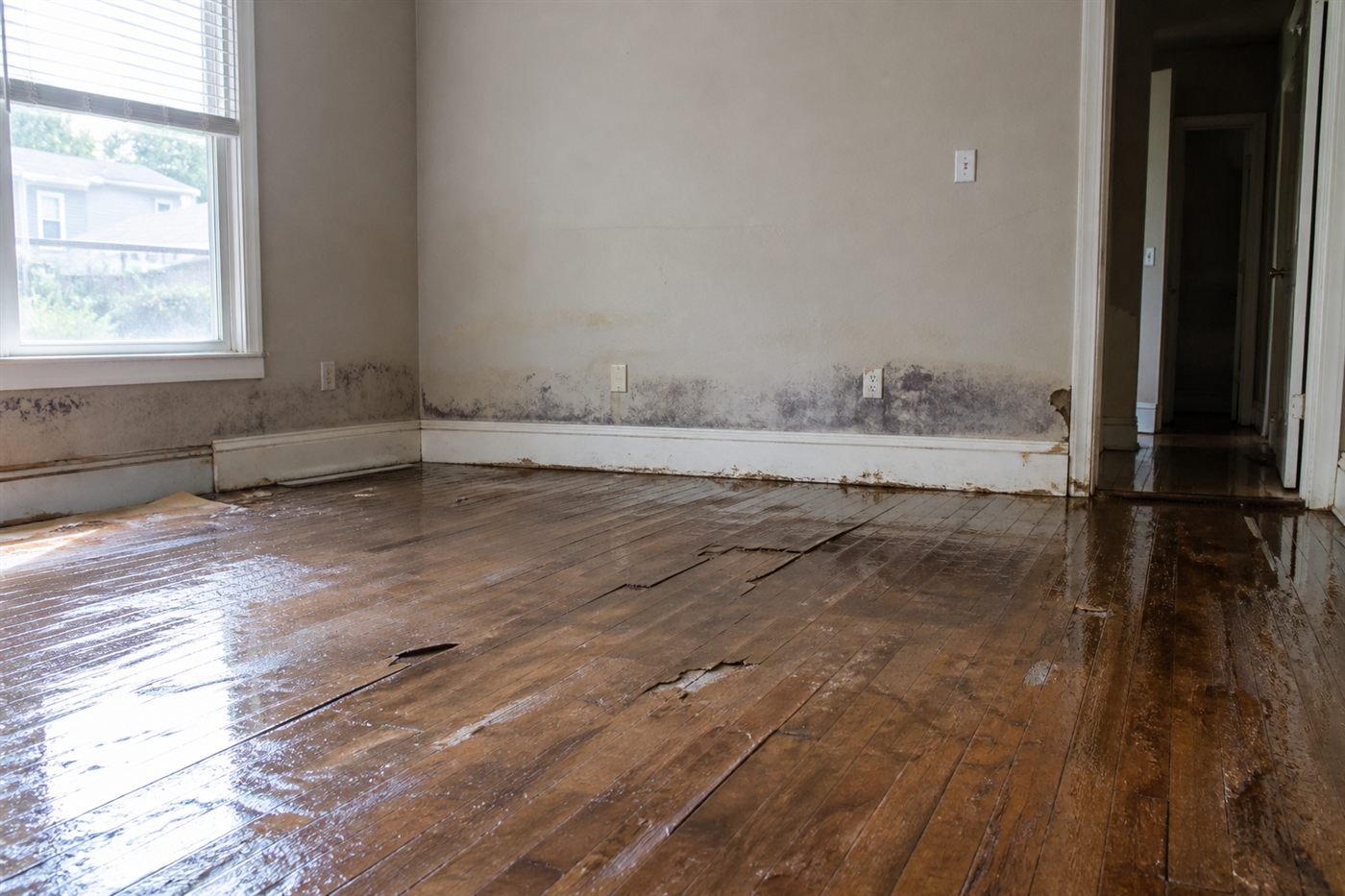
How to document a room with a 360 camera
- Place the waypoint first. One pin per room, roof section, or area of interest. Do not park every sphere on a single building pin.
- Shoot stills the way a reviewer walks. Cross-corner overviews, then close-ups on items of interest. Those frames explain what the 360 only surrounds.
- Shoot the 360, then export JPEG immediately. On iPad, connect the 360 camera and use the camera’s native app to transfer the equirectangular still. AirDrop or save to Photos, then upload in the FotoLedger browser tab. Do not wait until the truck.
- Upload notes with the photos. GoodNotes (or similar) exports a page to PDF or JPG that can AirDrop to the same device and attach at the waypoint.
- Turn auto-save on for large projects. If the connection lags on a big 360 JPEG, wait. A 40 MB ceiling applies; export a smaller JPEG if the file is rejected.
Native 360-cam capture inside FotoLedger is not available yet. That is a reason the iOS app is in development. Until it ships, the JPEG export path above is the supported workflow.
360 photos in reports and return visits
The PDF cannot spin. Reviewers see a flat preview with a 360° label so they know a sphere exists at that pin. To look around, they open the project in the browser or a shared link.
Cloud projects with more than one capture date can export a single-visit PDF or an all-dates historical PDF. 360 stills are grouped by date at the waypoint like any other photo. There is no before/after slider.
Pin a 360 still on the homepage demoFrequently asked questions
Is FotoLedger a virtual walkthrough tool?
No. It is 360 photo documentation mapped to a plan. Interactive viewing happens per photo, not as a linked tour through the building.
What file should I export from the 360 camera?
Equirectangular JPEG or PNG. If the file is about twice as wide as it is tall, FotoLedger usually marks it 360°. Proprietary camera packages, 360 video, HEIC, and RAW will not open.
Can I annotate the sphere?
Markup lives on standard stills. 360 photos open in the look-around viewer, not the still-photo editor.
Does 360 viewing require Cloud?
Yes. Interactive 360° upload and viewing are included with FotoLedger Cloud. Shared links from a Cloud project can still look around. In free or local mode, equirectangular files are saved as standard photos.
Is there an iOS app for native 360 capture?
Not yet. Use the browser on phone or iPad today. Native capture is on the roadmap once the iOS app is in the field.