Construction Photo Documentation Checklist
A construction photo documentation checklist is a list of what to capture on site and where to attach it. Photograph before work, progress, concealed conditions, rough-in, issues, damage, completion, and closeout. Record location, notes, and timestamps with each image so the report can be reviewed by room and elevation instead of by week.
How to use this list
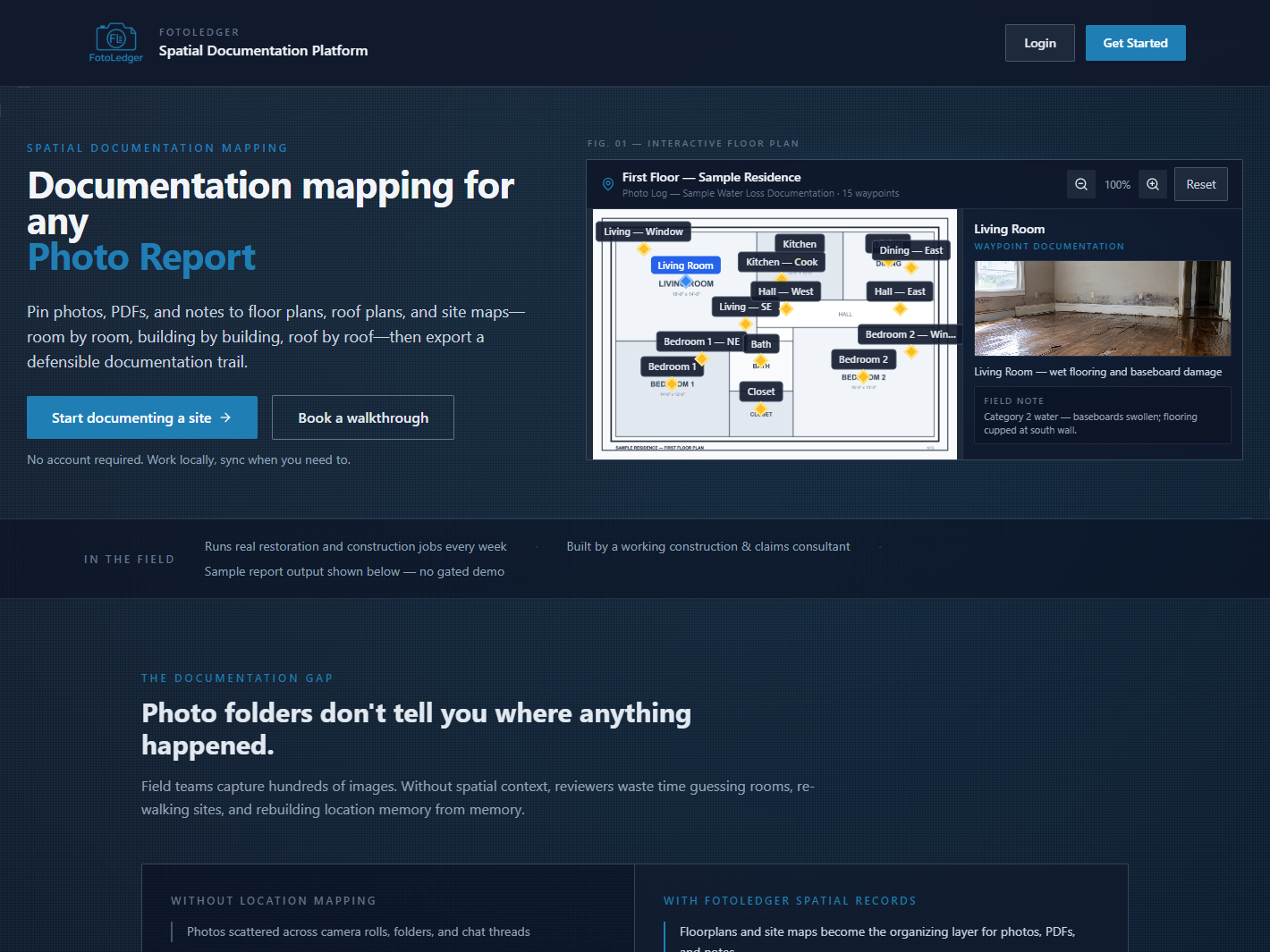
Work the list against the drawing, not against a camera roll. For each item, ask: which room, wall, elevation, or zone is this? If you cannot answer, the photo is incomplete even if the image is sharp. FotoLedger is one way to pin photos to the plan; the checklist is useful whether or not you use the product.
Before work
- Existing conditions of rooms and elevations that will be touched.
- Adjacent finishes you are protecting (floors, adjacent units, landscaping).
- Access, staging, and any pre-existing damage that is not in scope.
- Plan or elevation used as the index for this walk.
Progress
- Same viewpoint across visits when the work is sequential.
- Progress photos by room, not one folder named after the week.
- Wide shot plus a detail where the work is not obvious from the wide shot.
- Date and location on the pin, not only in a filename.
Concealed conditions
- Openings before they close: cavities, substrates, and buried utilities.
- Conditions that will be covered by finishes, insulation, or earthwork.
- A waypoint on the plan that matches the concealed area, not a nearby room name.
Rough-in
- MEP rough-in by room and elevation before insulation or drywall.
- Structural photos of framing, connections, and openings while they are visible.
- Inspection photos requested by the AHJ or third-party inspector, tied to location.
Issues, punch, and damage
- Issue photos at the exact wall or assembly, with a short note of what is wrong.
- Punch photos by room so closeout is a walk, not a hunt.
- Damage photos (weather, trade conflict, existing) with location and timestamp.
Completion and closeout
- Completed work from the same viewpoints used in progress photos when possible.
- Closeout photos by location for the owner package.
- Notes that explain remaining items without burying them in a general album.
Location context, notes, timestamps, export
- Every photo is associated with a place: room, elevation, floor, or site zone.
- Notes live with the photo, not in a separate spreadsheet nobody opens.
- Capture time is recorded; location is recorded independently of the clock.
- Export or share a report that a reviewer can follow without asking which room this is.
For the product overview, see construction photo documentation. For organizing by place rather than by week, see construction photo documentation by location. A cross-trade printable version lives on the field photo documentation checklist.
Document a jobsite on the plan