Field Photo Documentation Checklist
Field photo documentation fails when images cannot be found later or cannot be placed on the property. This checklist covers construction, inspections, restoration, and property documentation. For every photo, record the place, a short note, and the time. Organize by room, area, elevation, or roof section—not only by project or date.
Every photo, every walk
- Place: room, area, elevation, floor, roof section, or site zone.
- Note: what the image shows, in one sentence.
- Timestamp: when it was taken (device time is fine if clocks are honest).
- Wide shot plus detail when a single frame cannot explain the condition.
- Do not leave photos only in a camera roll or a folder named after the week.
Construction
- Before work and existing conditions.
- Progress from repeatable viewpoints.
- Concealed work and rough-in before they close.
- Issues, punch, and completion by room.
A construction-only expansion is on the construction photo documentation checklist.
Inspections
- Inspection photos by area, not one album per appointment.
- Roof photos by section when the roof is in scope.
- Property condition photos that a later reviewer can locate on a plan or map.
- Notes that distinguish observation from recommendation if your process requires that split.
Restoration
- Affected rooms and the source or area, if known.
- Material conditions, moisture documentation, and equipment locations.
- Demolition and post-mitigation conditions at the same places.
- Damage photos by room so the file is reviewable. This is documentation, not a claim outcome.
Property documentation
- Unit or building walk in a consistent order.
- Photos organized by room so move-in, due diligence, or condition records stay comparable.
- Export or share a location-indexed report when someone else has to follow the site.
Optional: pin to the plan in FotoLedger
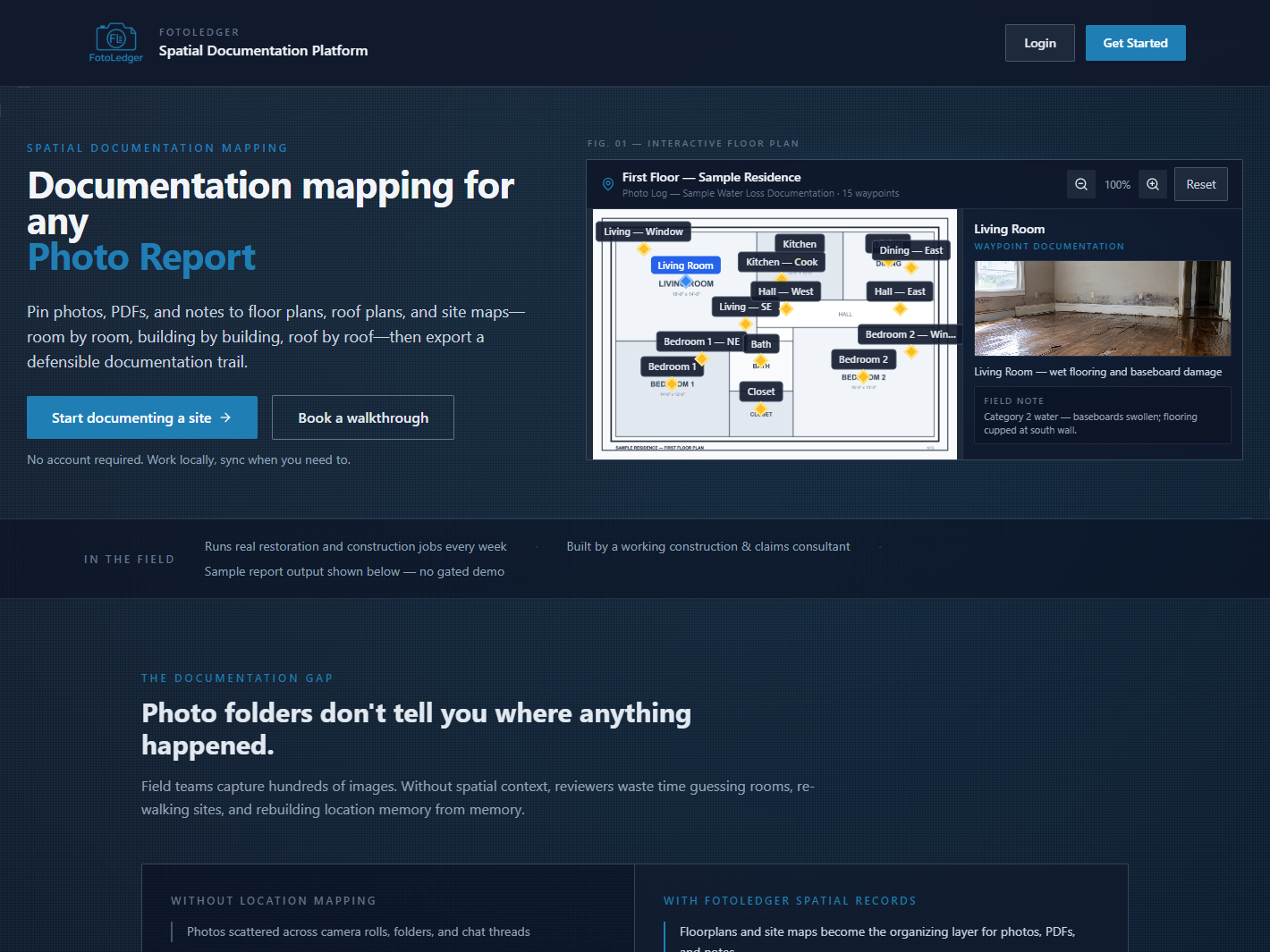
FotoLedger is plan-based photo documentation software: upload a floor plan, roof plan, or site map, drop a waypoint, attach photos and notes, and export a report with location context. Local mode is free. See floor plan photo documentation if you want the product path after using the checklist on paper.
See location-based photo documentation