Insurance photo documentation for claims
Insurance claim photo documentation is organized visual evidence with location context for review: damage photos by room, insurance inspection photos on the plan, and a photo report a reviewer can follow. FotoLedger does not file claims, determine coverage, or promise settlements. Restoration field workflow lives on the restoration page.
Insurance inspection photos are easier to review when the room is obvious. Pin loss photos to the floor plan so reviewers see location clarity—organized evidence, not a camera-roll dump.
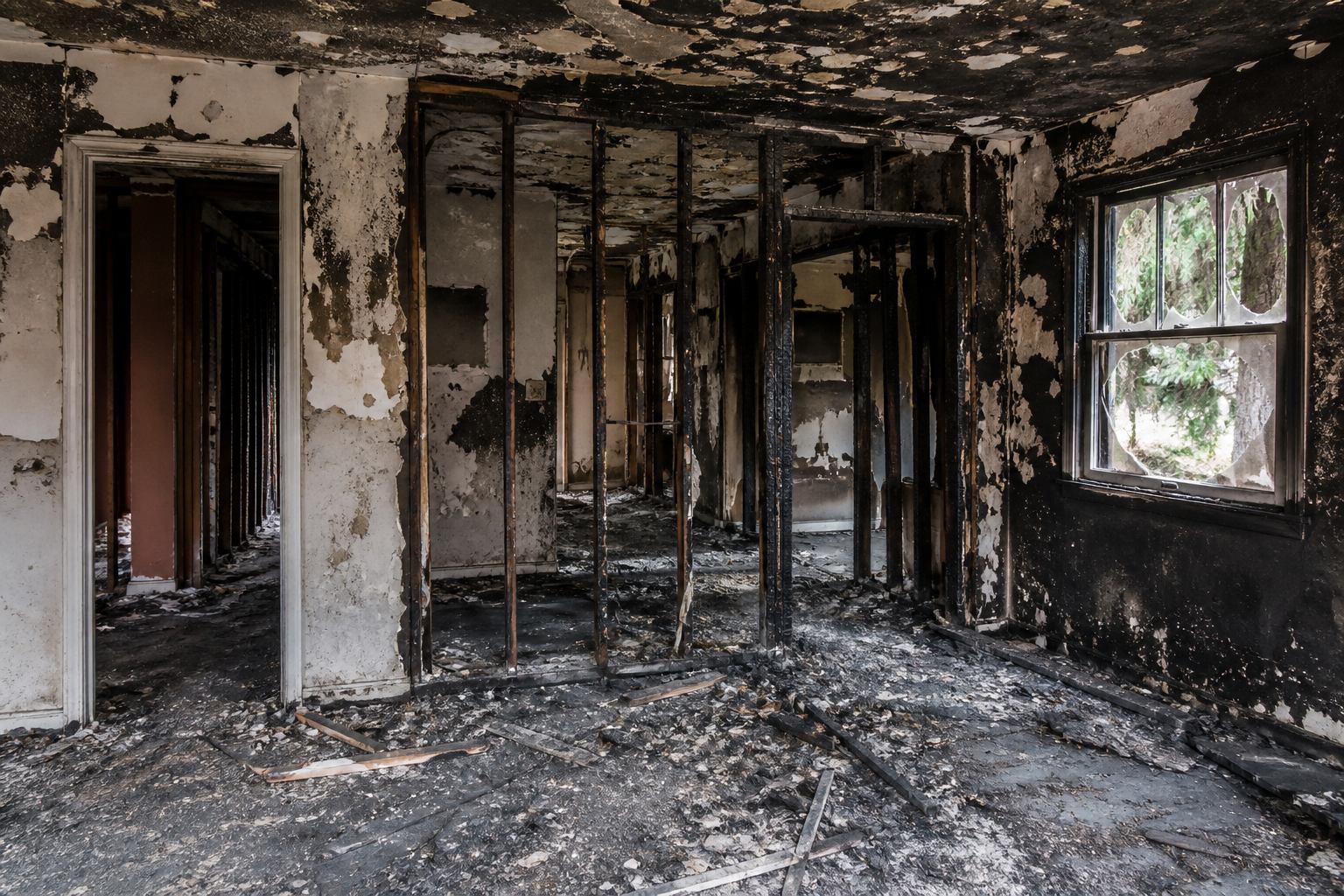
What the report should make obvious
- Location clarity: which room, zone, or elevation each image documents.
- Organized evidence: photos, PDFs, and notes at the same waypoints.
- Room and area context in the exported PDF.
- Report readability: a spatial trail instead of an unlabeled gallery.
Map water, fire, wind, and liability photos to the plan. Claim review needs the damaged area, not a date-sorted gallery. For mitigation-side drying, demolition, and equipment records, use restoration photo documentation. FotoLedger does not file claims, write estimates, or promise results.

Frequently asked questions
Can I use FotoLedger for insurance claim photo documentation?
Yes. Pin loss photos to rooms and elevations, add notes, export a PDF. This is field documentation for insurance files—not a carrier system.
Does the insurance photo report show where each photo was taken?
Yes. Every photo attaches to a waypoint, so the report carries room and area context.
Is this insurance photo report software?
It exports a location-based photo report. It is not a portal, estimating tool, or coverage decision engine.