Drying equipment tracking pinned to the plan
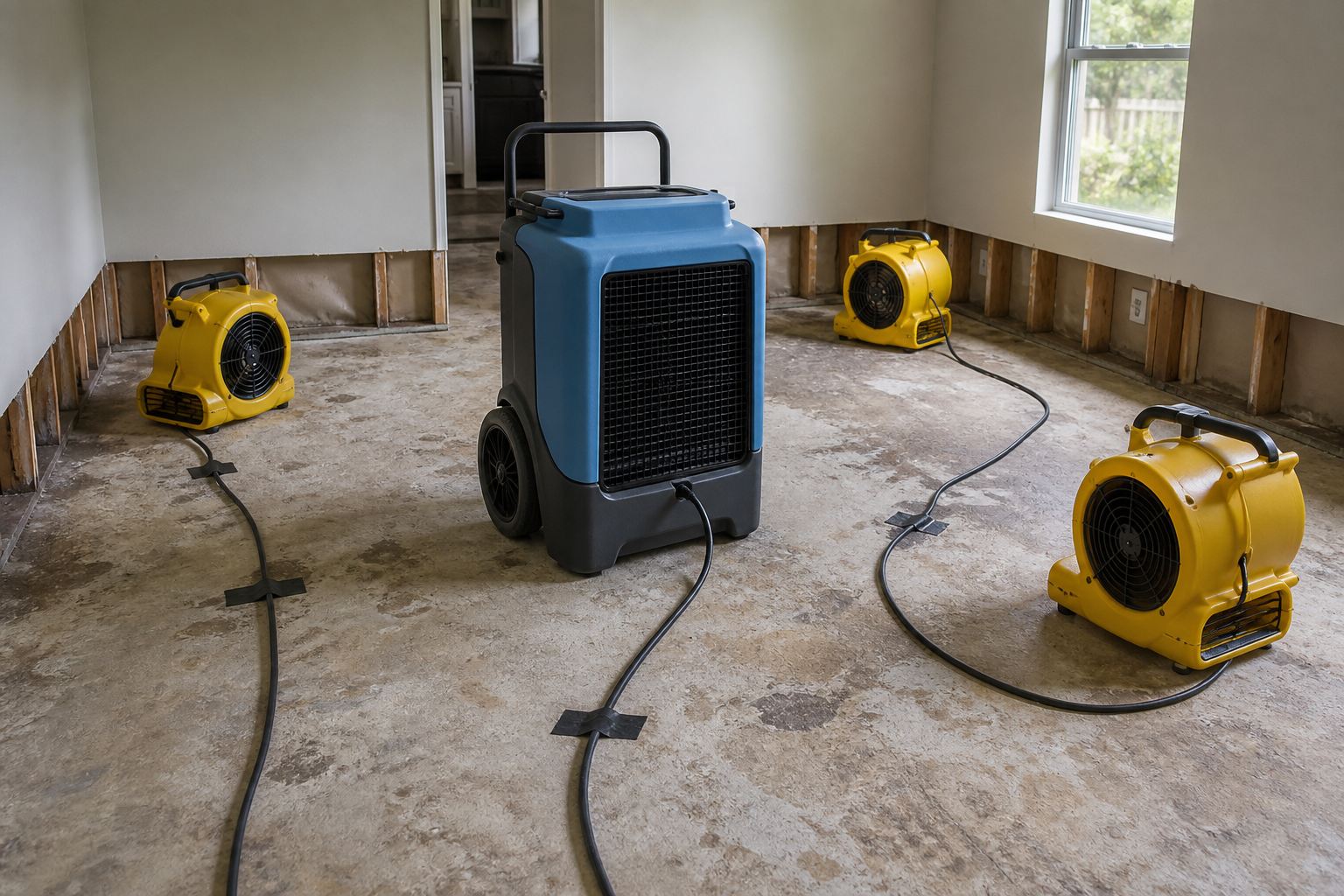
Air movers and dehus move every day. Spreadsheets and unmarked photos do not tell the next crew — or the adjuster — which unit is in which room. Pin equipment and area metrics to the floor plan instead.
The problem
Mitigation sites change fast. Without a spatial layer, equipment counts drift, moisture notes lose their room context, and the daily photo dump cannot prove where gear sat when readings were taken.
How FotoLedger helps
- Load the property floor plan as the equipment map.
- Place waypoints on rooms and zones where gear is running.
- Attach placement photos, meter shots, and PDFs of drying logs at each pin.
- Export a PDF report that keeps locations with every piece of evidence.
Frequently asked questions
Can FotoLedger track drying equipment by room?
Yes. Place waypoints on each affected room or zone, attach photos of air movers, dehumidifiers, and meters, and add notes for placement and readings. The exported PDF keeps that spatial trail with every attachment.
Is FotoLedger a moisture-logging or equipment inventory system?
No. FotoLedger is spatial documentation — it shows where equipment and readings belong on the plan. Pair it with your moisture logs or inventory sheets by attaching those PDFs to the rooms they describe.
Is equipment tracking free in FotoLedger?
Yes. Local mode is free with no account and no trial clock. Cloud sync for backup and multi-device access includes 250 MB free cloud; FotoLedger Cloud is $5/mo for 5 GB (local stays free).
Can I plan the reconstruction schedule after mitigation?
FotoLedger documents the loss and equipment layout. For the rebuild timeline, use PHASE, BetterHolmes Co.'s free construction schedule app with real CPM.
Part of a bigger workflow
FotoLedger is a BetterHolmes Co. tool. Pair spatial equipment docs with PHASE when the job moves from drying into reconstruction scheduling.